Free Character Animation
Rig a 2D character, pose it with IK, make it talk with a free AI voice and lip-sync — then export an MP4, a GIF, or the 9:16, 1:1 and 16:9 versions in one click. Start from a ready-rigged character, build your own, or draw it on our free PSD template.
A character studio, in a browser tab.
Rig and pose
Bones with IK on arms and legs: drag a hand or a foot and the elbow or knee bends for you. Every change at the playhead becomes a key.
Voices and lip-sync
Type a line and pick a female or male AI voice — free, running in your browser — or use your own recording. The mouth follows the voice; expressions in one click.
Animate it
Keyframes with easing, motion paths, shape morph, and one-click acting: walk, run, wave, point, thumbs up, clap, shrug, talk with hands, celebrate, jump, nod and blink.
Scenes, camera, every format
Seven ready backgrounds, fourteen props and a camera that pushes in, pans and shakes. Export MP4 with audio, GIF or PNG — or 9:16, 1:1, 4:5 and 16:9 in one ZIP.
Three steps, all in your browser.
Pick a character
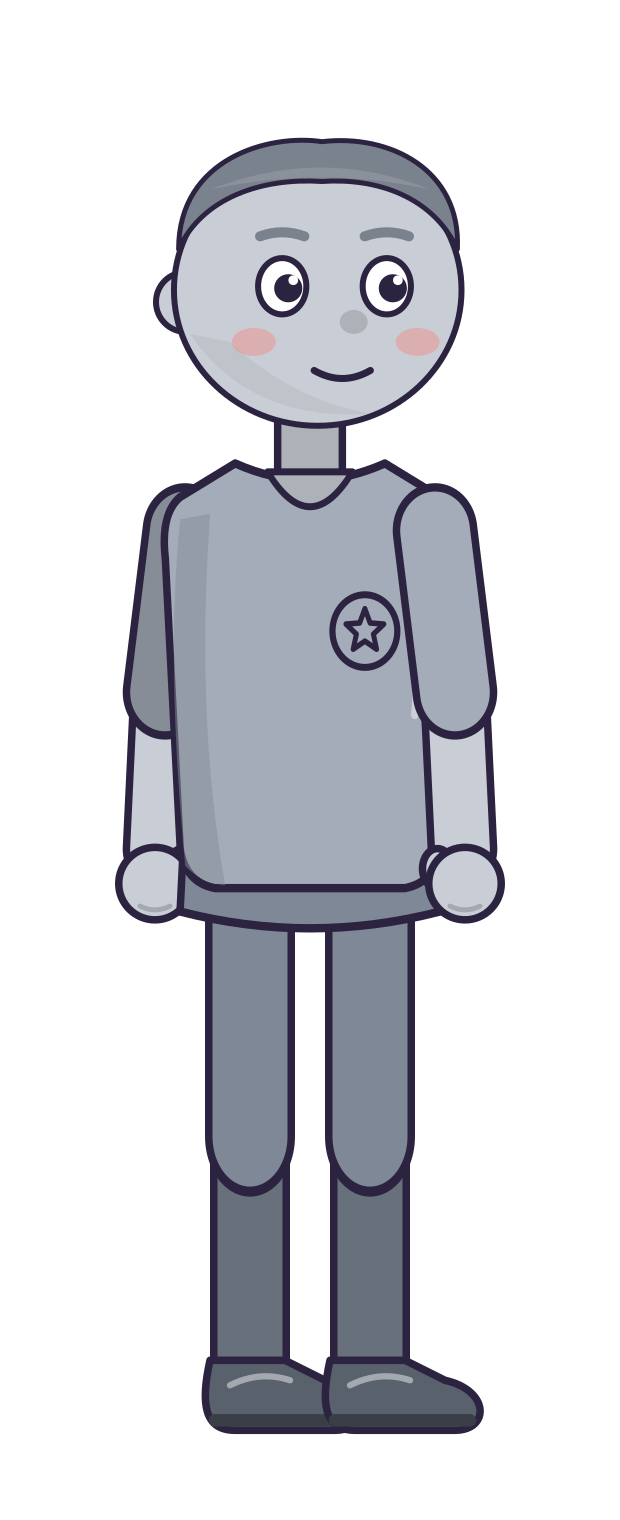
Choose one of eight ready-rigged characters, build your own in the Character Builder, or draw yours on the free PSD template — it is rigged for you when you import it.
Pose, act and talk
Pose with IK, add a walk or a wave from the presets, set expressions, and make it talk: type a line for a free AI voice, or import / record your own — the mouth is lip-synced.
Export every format
Preview it in its own tab, then export an MP4, a GIF or a PNG sequence — or Social formats: Reels / TikTok, feed and YouTube versions of the same scene, the frame following your characters.
Made for quick brand characters.
Your artwork, rigged for you
Draw your mascot on the free PSD template (or name your layers like it) and import it: bones, IK, faces, hand shapes and lip-sync are set up automatically — every preset works.
Start from something finished
The sample scene opens ready to play — two characters, a product reveal and a call to action. Every move in it is a key you can change.
Yours, on your terms
Everything runs in your browser — voices included. Building and previewing are free; a free account exports 2 animations, PRO exports as many as you like and saves projects to your account for your team.
Character Animation vs Vyond
Rig a character (ready-made, built in the Character Builder, or your own PSD on our template), pose it with IK, make it talk with a free AI voice and lip-sync, then export MP4, GIF or the 9:16, 1:1 and 16:9 versions in one click. Vyond is the bigger video platform, with avatars and templates; this is the quick character studio, free to build in.
| Character Animation | Vyond Starter | |
|---|---|---|
| Price | Free · to build; 2 free exports, PRO unlimited | US$99/mo · billed monthly — US$58/mo on the annual plan |
| AI voices for your characters | Yes · eight free voices, lip-synced, run in your browser | Yes · 650+ text‑to‑speech voices |
| Your own artwork rigged for you | Yes · a layered PSD / SVG on the free template | — |
| 9:16, 1:1 and 16:9 from one scene, in one click | Yes · the frame follows the characters | — |
| Video downloads a month | Yes · unlimited with PRO | 100 · on Starter |
| Longest video | Yes · no set limit — it renders on your computer | 25 min · on Starter |
| Part of a 38‑tool studio, one price | Yes · $35/mo unlocks all 38 with PRO | No |
Vyond’s prices and plan limits read on vyond.com/plans on 23 October 2026 with the billing toggle on Monthly — the page opens on the annual rate (US$58 a month, US$699 a year). Vyond does far more than this tool — AI avatars, templates, team features; this table compares the job of making a talking character video, not the products. A dash means the feature is not one we have checked on their side. Vyond is not affiliated with DigiLakshya.
Edit it, share it, get it approved.
Cut your MP4 together with live footage in the Video Editor, turn it into a smaller GIF with Video Converter, or send it to your client for approval with Ad Preview.
Quick answers.
Is anything uploaded?
Do I need to draw my own character?
Can I animate my own character design?
Can my character talk without me recording a voice?
How does the lip-sync work?
Can I get vertical versions for Reels, TikTok and Shorts?
What can I export?
Is it free?
Why is it called a Beta?
Do these tools use credits or tokens?
Bring your characters to life — free.
Rig, pose, animate and preview with no signup — it all runs in your browser. A free account exports 2 animations as MP4, GIF or PNG; PRO exports as many as you like.