Skip to content
Your product exactly as it is · Every price shown first

AI Product Photos

One phone photo of your product becomes a photo shoot — in a studio, in real places, on models, as a shop-page set or as ad posters — with the product exactly as it is. Then change one thing at a time on any photo: the background, the light, something to erase, the shape, a print-size copy, worn or held, or a 360° spin.
📸 An 8-photo shoot is about 6.1 credits; each one-photo action is about 0.28. The price is on every button before you press it.
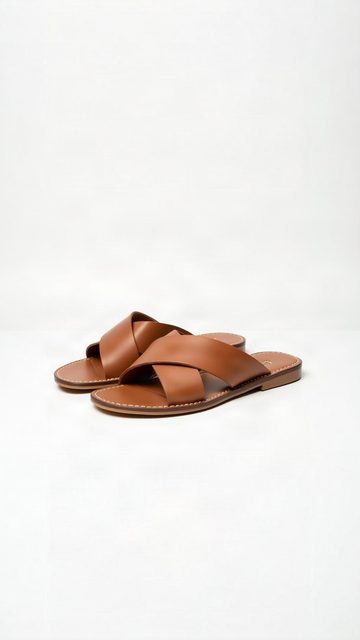
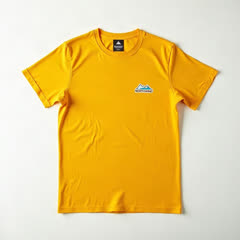
The product photo that went in
In: one phone photo
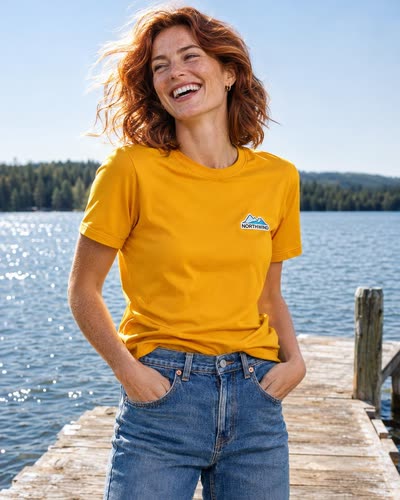
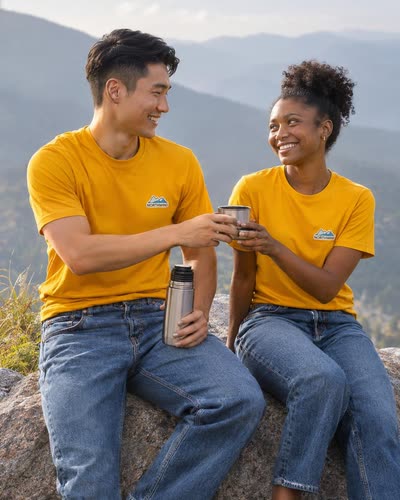
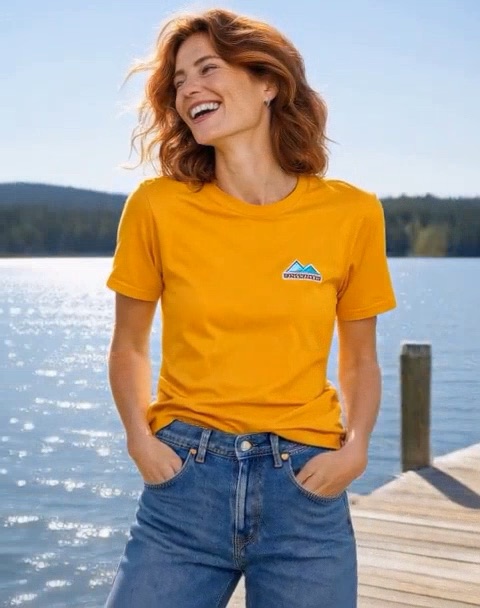
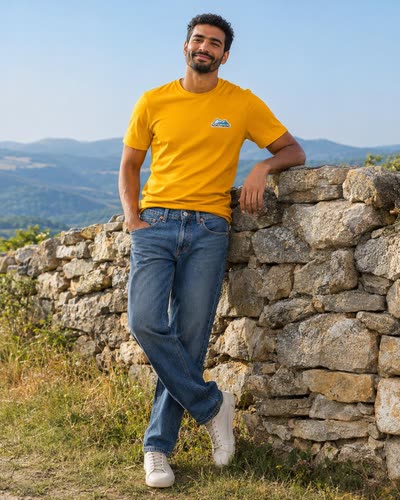
A photo from the shootAnother photo from the shootA third photo from the shoot

Out: a photo shoot — a sample made with AI Product Photos

One action at a time

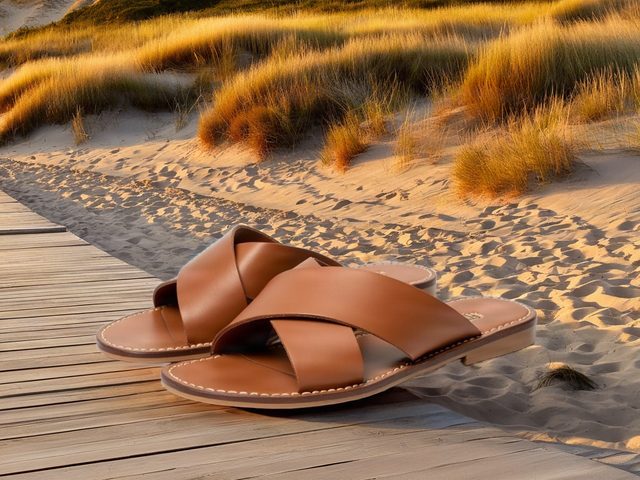
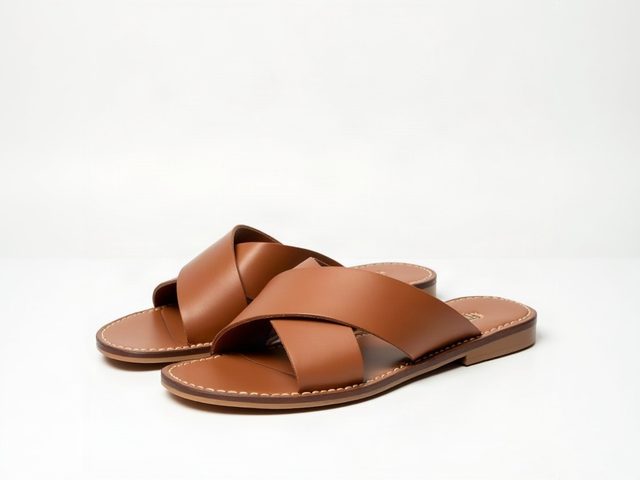
The same sandal, before and after.

Real results on our own sample photo — each one press, about 0.28 credits.
BeforeAfter
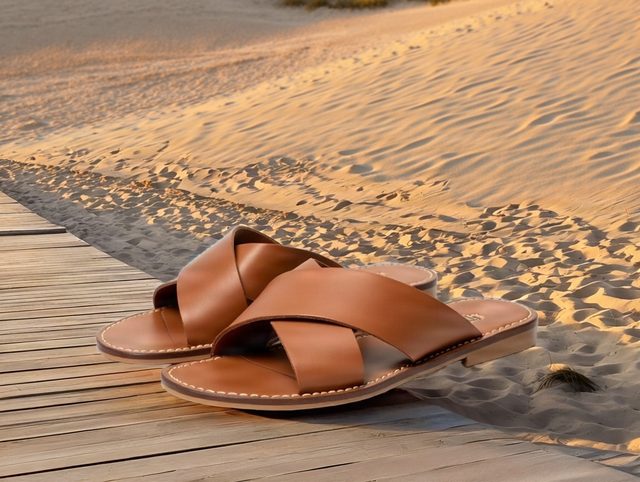
BeforeAfter: a new background
New backgroundSomewhere new — the product stays exactly as it is.
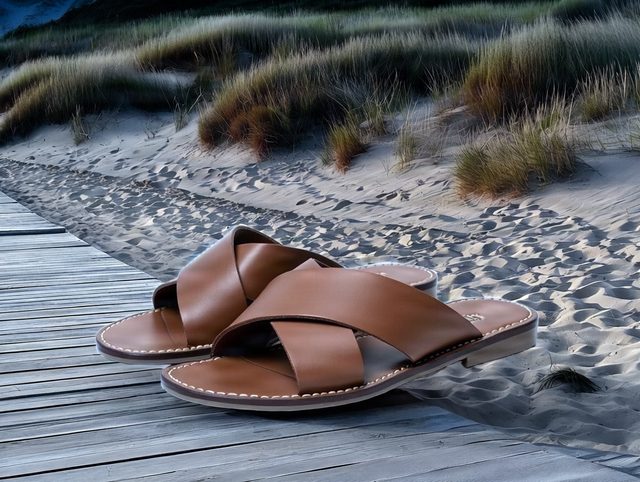
BeforeAfter
BeforeAfter: moonlight
RelightThe same photo in a new light — here, moonlight.
BeforeAfter
BeforeAfter: the dune grass erased
EraseSay what should go — here, “the dune grass”.
BeforeAfter
BeforeAfter: tall 9:16
ResizeTall 9:16, feed 4:5, square or wide — the edges painted in, nothing cut off.
The personWorn
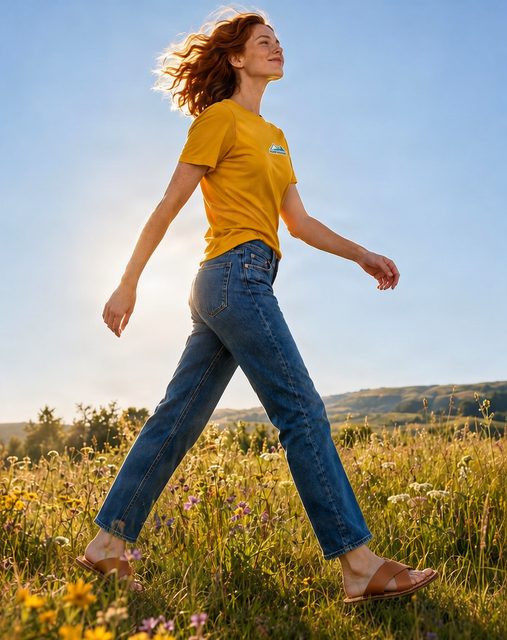
The personWorn by the person
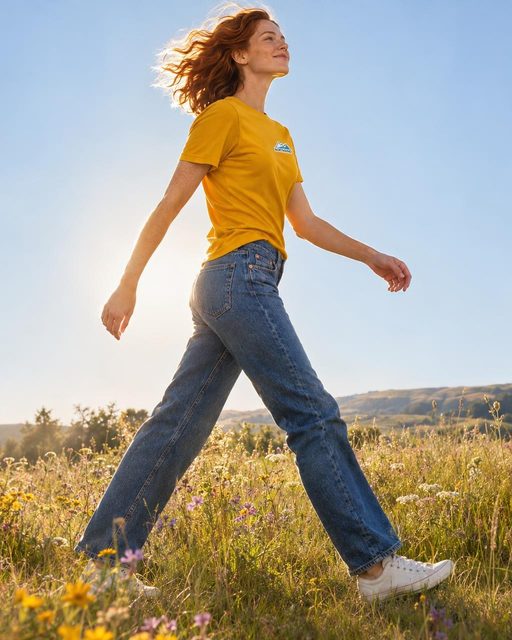
Worn or heldYour real product, worn by or in the hand of the person in your photo.
Photo360° spin
The photo
360° spinOne photo, turned once around — 5 s at 480p is about 2.8 credits.
How it works

Three steps, every price shown first.

1

Add your product

1 to 3 phone photos with the whole product in view — several items make one outfit.

2

Pick the shoot

Studio, lifestyle, on a model, an e-commerce set, posters or seasonal — 4, 8 or 12 photos, and who is in them.

3

Make my photos

Each photo is made with your product exactly as it is. Download one or all, or change any one with an action tab.

FAQ

Quick answers.

What does it cost?
Every price is shown on its button before you press it, and paid from your credit wallet. A photo shoot is about 0.5 credits for the plan and about 0.7 for each photo — 8 photos come to about 6.1 credits. Each action on a photo you already have: a new background, a new light, erasing something, a new shape — about 0.28 credits; print size, up to 4× larger — about 0.56; worn by or held by the person in your photo — about 0.28. A 360° spin of 5 seconds is about 2.8 at 480p, 5.6 at 768p or 11.2 at 1080p. A photo is charged only when it is made; one that fails is given back.
Is my product shown exactly as it is?
That is the point of it. Your product photo goes with every picture and the AI is told to keep it exactly — its shape, colours, label and logo — while it changes the place, the light or the person around it. Check each photo before you use it; any one can be made again on its own.
What kinds of shoot can I make?
Six: Studio (clean backdrops in your colours, plinths, glossy surfaces), Lifestyle (real places, natural light), On a model (worn, held or used — an editorial shoot), E-commerce set (front, back, side, detail, then on the model), Posters (bold ad posters with a short headline each) and Seasonal (festive, summer, gifting). Choose 4, 8 or 12 photos, and who is in them — men, women, couples, families, or nobody but the product.
Can I use a photo I already have?
Yes. Every action has its own tab: upload a photo (or pick one of your photos) and change just that one thing — the background, the light, something to erase, the shape for Reels, feeds or banners, a print-size copy, the product worn or held by the person in it, or a 360° spin. Most tabs show the action on our own sample first, before and after.
What do I get?
JPEG photos to download one by one or all at once, kept with your shoot in My work so you can come back to them; a 360° spin comes as an MP4 video. A caption and hashtags for the post come with the shoot.
Do these tools use credits or tokens?
Not for the tools themselves. Use and preview every tool with no account. A free account downloads any single result at full size, with no daily limit. PRO adds Download all, every banner size, more share links and saving to your account. A few things keep a small free allowance: QA checks (2 a day with no account, 5 with a free one) and hosted share links (5 a month, 1 a day, live 3 days, each updated up to 2 times). PRO is a flat $35/month ($280/year) for unlimited use of all 40+ tools: no credit packs, no top-ups, no per-use fees. The only pay-per-use extras are optional AI work, paid from the Digi Bot credit wallet with the price shown before you pay: Digi Bot jobs; ✨ Ask AI in the tools and AI drafts in Character Animation, charged for what the AI actually uses (at most 1 credit a request; a new account’s first draft is free); and the AI pictures, voices and video shots of the AI Film Maker (a free account’s free credits make one film; bought credits make as many as they pay for) and of Character Animation (PRO), priced per picture, per line and per second of video. Many comparable tools bill per credit (remove.bg, CloudConvert, AdCreative.ai) — here one flat subscription covers everything. See tools pricing.

Your product, photographed.

Open AI Product Photos in Studio Tools — look around for free, and see every price before you pay.