Skip to content
About 0.28 credits a photo

AI Image Extender — a New Shape

Make a photo fit a new shape — tall for Stories, wide for banners — with the edges painted in, so nothing is cut off.

The original photo stays in the middle, untouched.
A real result

What goes in, what comes out.

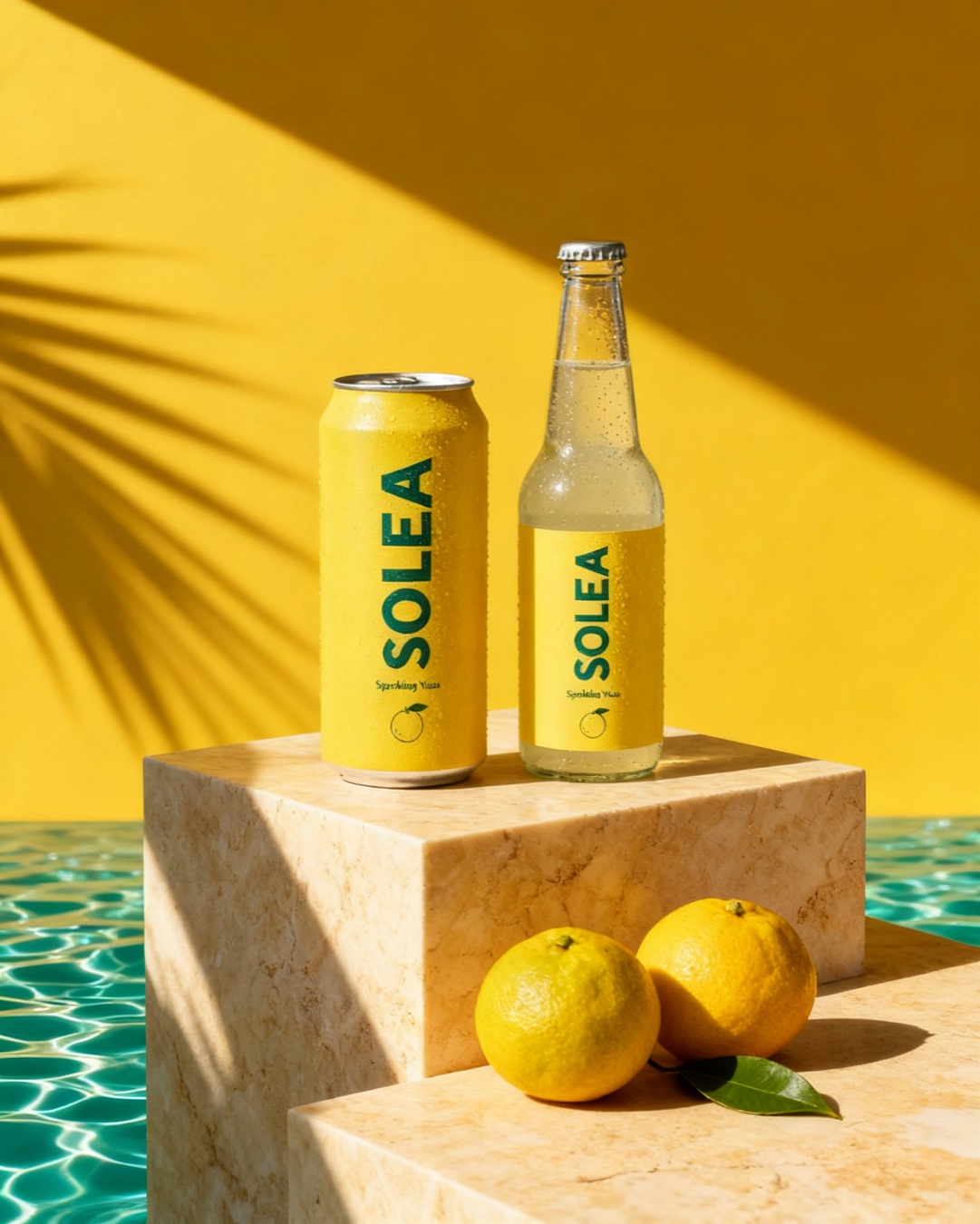
Your photo · 4:5
Your photo · 4:5
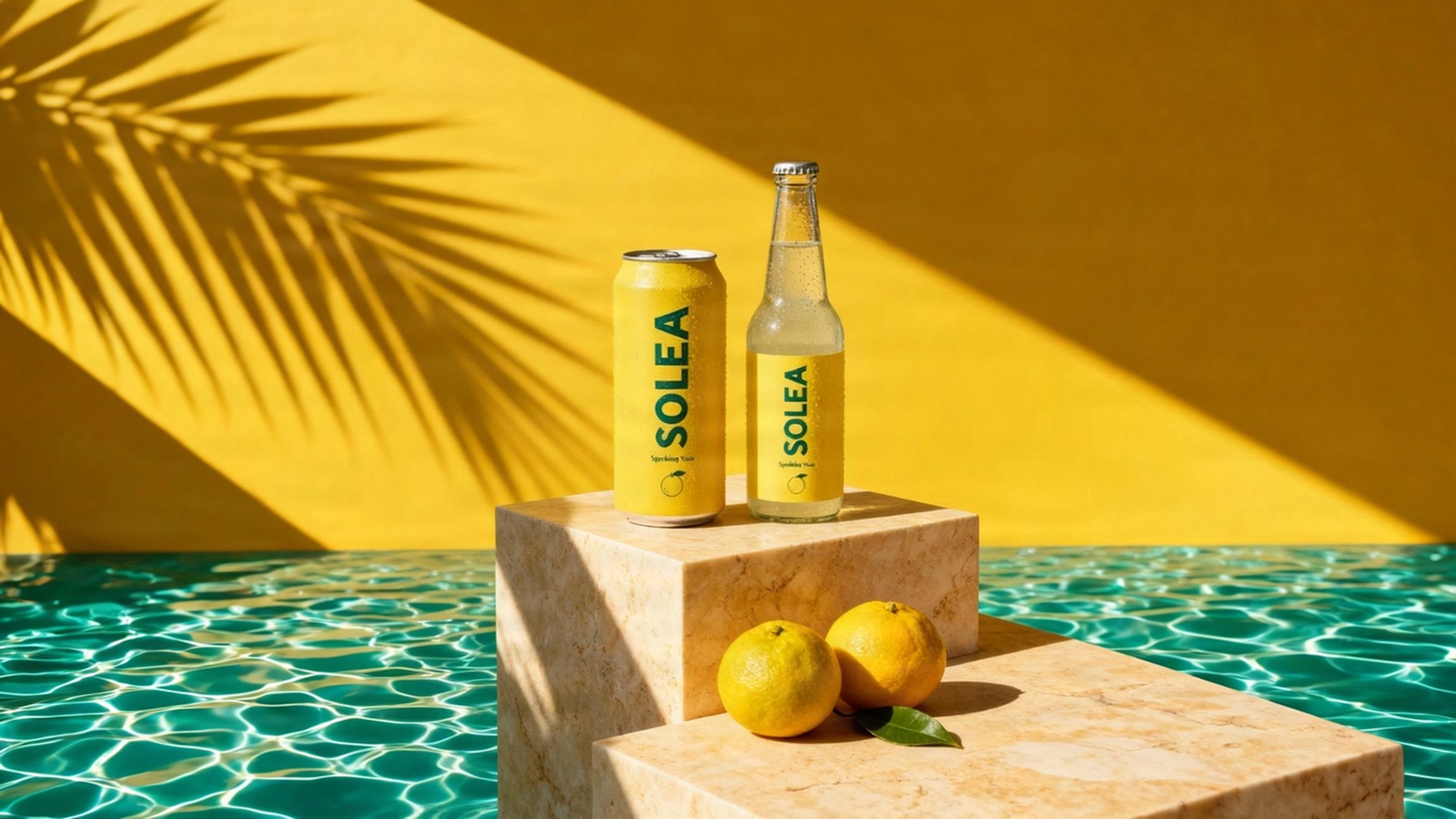
Wide 16:9, edges painted in

Our Solea sample, exactly as the tool made it — 4:5 to Wide 16:9, about 0.28 credits.

What it does

Made for ads that ship.

Nothing cropped

Instead of cutting your photo, the sides are painted outward.

Any placement

Tall 9:16 for Stories, wide 16:9 for banners and websites, or an exact size.

Your photo kept

The original stays in the middle, untouched.

One shoot, every size

Extend each photo for every place it runs.

How it works

Three steps, every price shown first.

1

Pick a photo

Upload a photo, or use one from your photo shoot.

2

Pick the shape

About 0.28 credits, shown on the button.

3

Download

Check the new photo next to the old one, then download it.

More in the AI Studio

Photos, video and brand work from one product.

Also in the AI Studio: AI Ad Poster, AI Brand Kit, AI Photo Editor, AI Background Changer, AI Relight, AI Object Remover, AI Upscale for Print, AI Product on a Model, AI product photo shoots, the AI Film Maker — or see every AI tool.

Open it
FAQ

Quick answers.

What does it cost?
About 0.28 credits a photo, shown on the button before you press it.
Is my photo cropped?
No — it stays whole in the middle and the new edges are painted around it.
Which shapes can I pick?
Tall 9:16, wide 16:9 and other placement shapes, or a custom size.
Will the edges look right?
They are painted to continue the scene. Check them before you use the photo.
Do these tools use credits or tokens?
Not for the tools themselves. Use and preview every tool with no account. A free account downloads any single result at full size, with no daily limit. PRO adds Download all, every banner size, more share links and saving to your account. A few things keep a small free allowance: QA checks (2 a day with no account, 5 with a free one) and hosted share links (5 a month, 1 a day, live 3 days, each updated up to 2 times). PRO is a flat $35/month ($280/year) for unlimited use of all 40+ tools: no credit packs, no top-ups, no per-use fees. The only pay-per-use extras are optional AI work, paid from the Digi Bot credit wallet with the price shown before you pay: Digi Bot jobs; ✨ Ask AI in the tools and AI drafts in Character Animation, charged for what the AI actually uses (at most 1 credit a request; a new account’s first draft is free); and the AI pictures, voices and video shots of the AI Film Maker (a free account’s free credits make one film; bought credits make as many as they pay for) and of Character Animation (PRO), priced per picture, per line and per second of video. Many comparable tools bill per credit (remove.bg, CloudConvert, AdCreative.ai) — here one flat subscription covers everything. See tools pricing.

Try it on your own product.

A free account to start, and new accounts get free credits. Every price is on its button before you press it.